

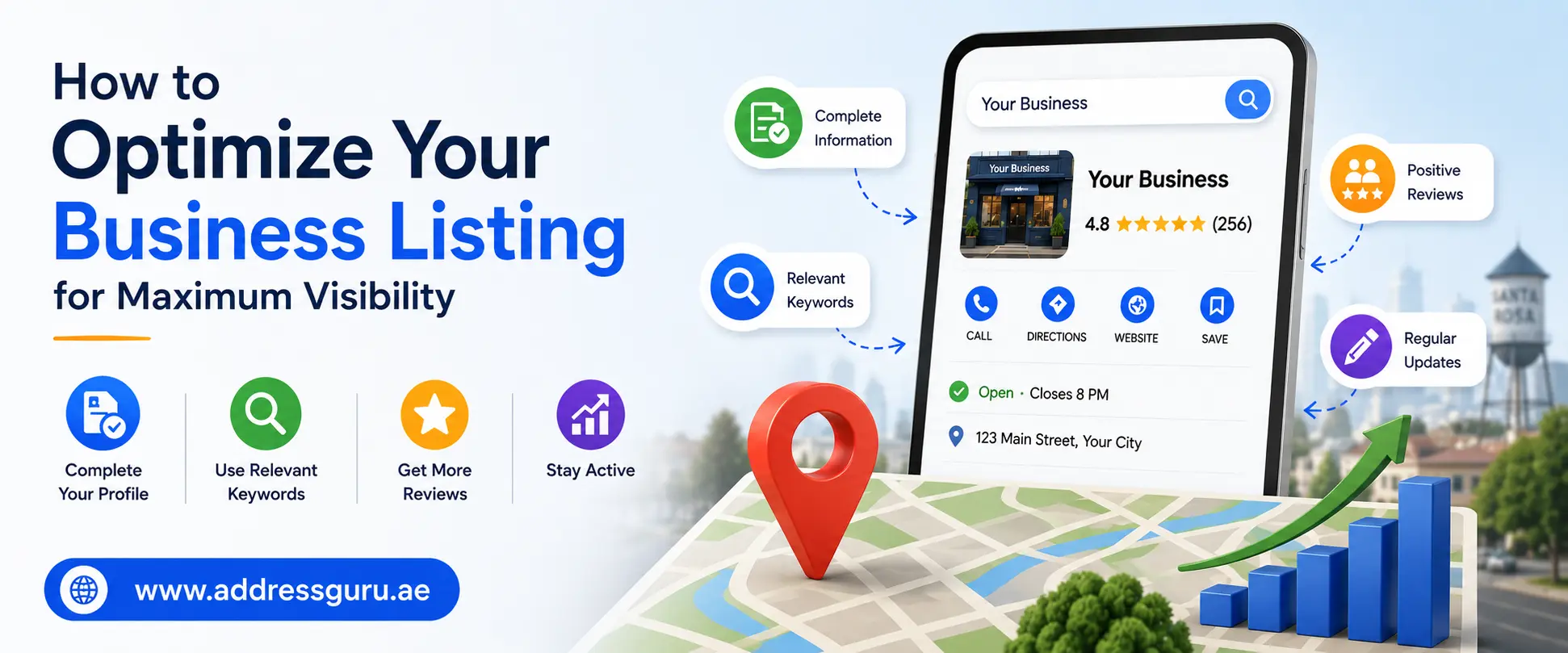
When someone nearby searches for what you sell, Google has to decide which businesses to show first, and that decision happens in milliseconds. If your Google Business Profile isn't set up correctly, you simply don't get picked, no matter how good your actual business is.
Learning how to optimize your business listing for maximum visibility is one of the highest-return tasks any local business owner can spend an afternoon on, because it directly affects who finds you, who calls you, and who walks through your door.
This guide breaks down exactly what to fix, in what order, and why each piece matters, so your listing stops blending into the background and starts showing up where buyers are actually looking. Whether you run a single storefront or manage locations across an entire city, the same principles of local search apply, and most of the work costs nothing but time and attention.
Why Your Business Listing Decides Who Finds You
Local search results aren't ranked randomly. Google evaluates every listing against three core factors: relevance, distance, and prominence. Relevance measures how well your profile matches what someone typed. Distance measures how close your business is to the searcher or the location they mentioned.
Prominence measures how well-known and trusted your business appears to be, based on reviews, citations, and overall online presence. You can't change your physical address overnight, but relevance and prominence are almost entirely within your control.
A complete, accurate, and active business listing consistently outranks an incomplete one, even when the incomplete listing belongs to a more established competitor. This is the part most business owners miss: visibility is earned through deliberate setup, not luck.
Claim and Verify Your Listing First
Before any optimization matters, your listing needs to be claimed and verified. An unclaimed profile can't be edited properly, which means you have no control over what information shows up when customers search for you.

Verification typically happens through a phone call, text message, email, or postcard, depending on your business type and location. Once verified, you gain access to the dashboard where every other change in this guide actually takes effect.
Get Your Business Information Exactly Right
Name, address, and phone number consistency, often shortened to NAP consistency, is one of the simplest things to get right and one of the most commonly mismanaged. Even small mismatches, like listing "St." in one place and "Street" in another, can quietly weaken your standing.
| Field | Best Practice |
|---|---|
| Business Name | Use your real, legal trading name; avoid adding keywords that aren't part of your actual name |
| Address | Must match exactly across your website, listing, and every directory |
| Phone Number | Use a local number tied to your actual business location |
| Website URL | Link to your homepage or a location-specific page |
| Hours | Keep regular hours accurate and update holiday hours in advance |
Inconsistent details across platforms confuse both customers and search engines, and they can quietly drag down your rankings without any obvious warning sign.
Choose the Right Categories
Your primary category is one of the strongest ranking signals available, and many businesses get it wrong by picking something too broad or too narrow. Search for your main service on Google and study which categories the top three local results are using, then choose the closest match for your own listing.
- Pick one accurate primary category that matches what most customers are searching for.
- Add secondary categories only if they genuinely apply to services you actually offer.
- Avoid stuffing in categories just because they're loosely related; this can hurt relevance rather than help it.
- Revisit your category choices every few months, since new and more specific options are added over time.
A digital marketing agency, for example, might use "Marketing Agency" as the primary category, then add "SEO Company" and "Web Designer" as secondary categories if those services are genuinely part of the business.
Write a Description That Actually Helps You Rank
Your business description is prime real estate for relevant keywords, written in a natural, human voice rather than stuffed full of repeated phrases. Describe what you do, who you serve, and what makes your business worth choosing, using the same words your customers would naturally search for.
Avoid generic filler like "we are the best in the business" without backing it up. Specific, concrete details, such as years in operation, specialties, or service areas, give both customers and search algorithms something real to work with.
Add Photos and Videos Regularly
Listings with fresh, varied photos consistently earn more clicks, more direction requests, and more calls than listings with outdated or stock-style images. Photos also build trust signals that pure text simply can't replicate.
| Photo Type | Why It Matters |
|---|---|
| Exterior shots | Helps customers recognize your location in person |
| Interior shots | Builds trust and sets expectations before a visit |
| Team photos | Signals real humans are behind the business |
| Work-in-progress | Builds relevance for specific service searches |
| Product shots | Helps shoppers decide before they even click through |
 Aim to add new photos regularly rather than uploading a batch once and forgetting about it. An actively maintained listing signals to both customers and the algorithm that your business is genuinely operating and engaged.
List Your Products and Services in Detail
The products and services section is one of the most overlooked corners of any business listing, yet it's also one of the easiest places to pick up extra visibility. Add every core service you offer with a clear, keyword-aligned description and a price range where it makes sense to include one.
This section does double duty. It helps customers understand exactly what you offer before they ever visit your website, and it gives search systems more structured information to match against relevant searches.
Collect and Respond to Reviews Consistently
Reviews are one of the strongest prominence signals a listing can have, and both the quantity and the recency of reviews matter. A handful of reviews from two years ago carries far less weight than a steady, ongoing stream of recent feedback.
Search systems also appear to weigh how often a business earns new reviews relative to its size, so a slow trickle from a large business can look just as weak as silence from a small one.
- Ask satisfied customers directly for a review right after a positive interaction.
- Respond to every review, whether positive or negative, in a calm, professional tone.
- Never use fake reviews or incentivized reviews that violate platform guidelines, since this risks the entire listing.
- Mention specific services in your responses, since this reinforces relevance for those terms.
A business that earns consistent five-star reviews while replying thoughtfully to occasional criticism builds far more credibility than one with a perfect but suspiciously thin review count.
Post Updates Like You Mean It
Many business owners set up their listing once and never touch it again, which is a missed opportunity. Regular posts about offers, events, or general updates keep your listing active and give search systems fresh signals that your business is genuinely operating.
| Post Type | Best Used For |
|---|---|
| What's New | General updates, announcements, new offerings |
| Offer | Promotions, discounts, limited-time deals |
| Event | In-person activities, workshops, launches |
Aim to publish at least once a week, and link each post back to a relevant page on your website whenever possible. Consistency matters more than frequency here; a steady weekly habit beats a burst of activity followed by months of silence.
Use Attributes and Messaging Features
Attributes let you highlight specific details like wheelchair accessibility, outdoor seating, or women-led business status, and many owners skip this section entirely without realizing it can influence both relevance and customer decisions. Fill in every attribute that genuinely applies.
Enabling direct messaging is equally valuable. Customers increasingly expect to ask quick questions before calling or visiting, and a fast, helpful response can be the deciding factor between choosing your business and moving on to the next listing.
Track Performance and Keep Improving
Most listing dashboards provide built-in analytics showing calls, direction requests, website clicks, and the specific searches that led people to your listing. Reviewing this data regularly tells you what's working and where there's still room to improve.
| Metric | What It Tells You |
|---|---|
| Profile views | How often your listing appears in search results |
| Search queries | The exact terms people used to find you |
| Calls and clicks | How many viewers took real action |
| Direction requests | How many people intended to visit in person |
Treat your listing as a living part of your marketing, not a one-time setup task. The businesses that check in regularly, update details promptly, and respond quickly to customers are consistently the ones that stay near the top of local results.
Answer Questions Before They're Asked
Most listings allow a public questions and answers section, and many business owners never check it. Customers often post questions here that other potential customers can see, which means an unanswered question sits in plain view, quietly hurting trust.
A smart approach is to seed this section yourself with the questions you get asked most often in person or over the phone, then write clear, helpful answers.

This small step covers a surprisingly large share of what people want to know before they ever pick up the phone, and it's a detail that genuinely separates a thorough approach to optimizing your business listing for maximum visibility from a rushed one.
Common Mistakes That Hurt Visibility
| Mistake | Why It Hurts | Simple Fix |
|---|---|---|
| Leaving the listing unclaimed | No control over your own information | Claim and verify immediately |
| Inconsistent NAP details | Confuses search engines and customers | Match details exactly everywhere |
| Choosing the wrong category | Hurts relevance for real searches | Match top competitors' categories |
| Ignoring reviews | Weakens prominence over time | Respond to every review promptly |
| Stale photos and no posts | Signals a dormant, inactive business | Update weekly, even briefly |
| Keyword-stuffed business name | Risks suspension and looks spammy | Use your real, legal business name |
Final Thoughts
Knowing how to optimize your business listing for maximum visibility isn't a one-time task you finish and forget; it's an ongoing habit that compounds over months. Start with the basics: claim your listing, lock down accurate information, and choose the right category.
From there, build momentum with regular photos, weekly posts, genuine customer reviews, and a complete products section. None of these steps require a large budget, just consistent attention. The businesses that treat their online visibility as a living asset, rather than a box to check once, are the ones customers find first, trust fastest, and choose again and again.