

How to Get More Tour Enquiries Through Your Website
A travel website can pull in thousands of visitors a month, but visitors alone don't generate business. The real goal is turning those visitors into enquiries, and eventually into confirmed bookings.
For a Dubai travel business competing against dozens of similar operators, learning how to get more tour enquiries through your website often matters more than simply driving more traffic to it.
Here's a practical breakdown of what actually moves visitors from browsing to enquiring.
Why Traffic Alone Isn't the Goal
It's easy to get fixated on visitor numbers, but a website with 10,000 monthly visitors and a 1% enquiry rate performs worse than one with 2,000 visitors converting at 5%. Before investing more in traffic, it's worth asking whether the site itself is actually set up to get more tour enquiries through your website from the visitors it already has.
Most of the fixes below cost little or nothing beyond time — they just require looking at the site the way a first-time visitor would.
Make Your Contact Details Easy to Find
Customers shouldn't have to dig through five different pages just to find a phone number. Keep your phone number, email address, and WhatsApp option clearly visible across the site, not buried only on a "Contact Us" page.
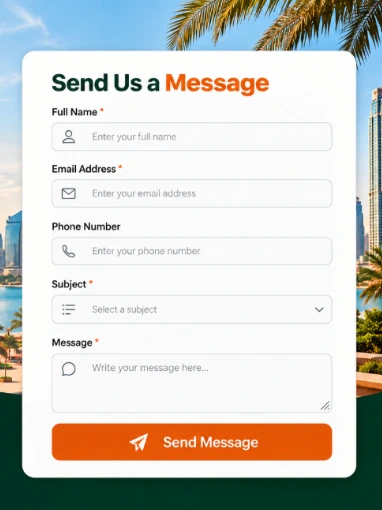
Placing a contact button directly on important package pages means visitors can enquire the moment they're interested, without having to navigate back to the homepage first — a small friction point that quietly costs more enquiries than most site owners realize.
Add Clear Call-to-Action Buttons
A good website tells visitors exactly what to do next. Strong travel website call-to-action examples include:
| Call-to-Action | Best Used On |
|---|---|
| Get a Quote | Pages with variable pricing |
| Enquire Now | Package detail pages |
| Check Availability | Seasonal or date-specific tours |
| Talk to Us on WhatsApp | Mobile browsing sessions |
| Book Your Spot | High-demand or limited-capacity tours |
These buttons need to be easy to see on both desktop and mobile — a call-to-action that's technically present but visually buried accomplishes almost nothing.
Create Separate Pages for Tour Packages
Instead of cramming every package onto a single page, create dedicated pages for different tour types — Dubai city tours, desert safari packages, family holidays, honeymoon packages, and luxury tours, for example.
This isn't just about organization; it directly supports Dubai tour website optimization, since search engines and visitors both respond better to focused, specific pages than one crowded catch-all.
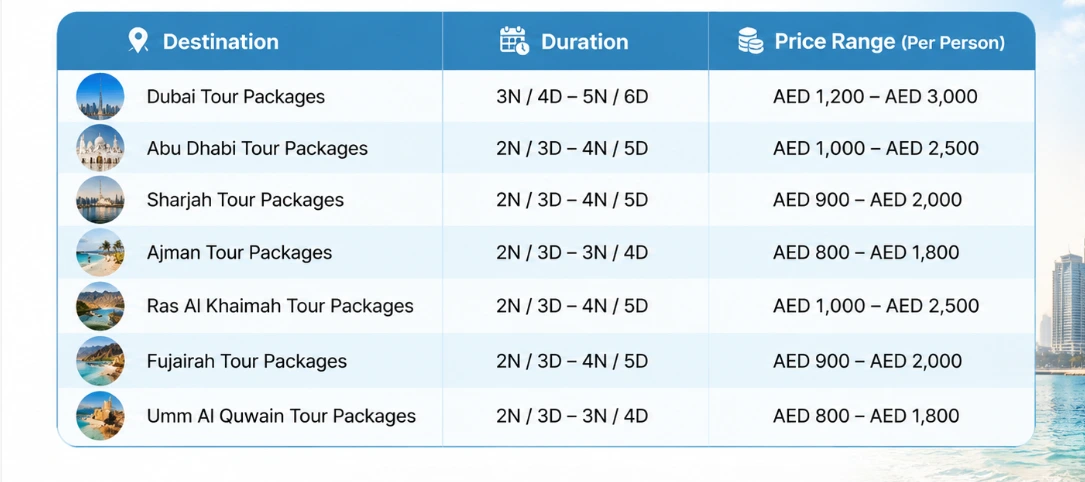
It also makes it far easier for customers to find exactly what they're looking for, rather than scrolling past dozens of irrelevant options to locate the one package that actually fits their trip.
Show Prices Clearly
Many visitors leave a website the moment they can't find basic pricing information. You don't always need to display one fixed number if cost varies by date or group size — but in that case, explain the pricing logic clearly and provide a simple way to request a quote.
Hiding pricing entirely to "encourage enquiries" usually backfires. Most travellers simply assume the worst and leave rather than ask, which is the opposite of what any online tour booking enquiries strategy should aim for.
Add Real Customer Reviews
Reviews help a new visitor feel comfortable reaching out to a company they've never used before. Add genuine reviews from past customers, and where possible, include photos or specific details about their experience — this gives visitors real proof that other people have actually used and enjoyed the service, rather than taking your word for it alone.
Make the Website Mobile-Friendly
A large share of people browse travel websites from their phones, often while comparing several companies at once. If the site is difficult to use on a small screen, visitors won't struggle through it — they'll simply leave for a competitor's site instead.
Make sure text stays readable without zooming, images load quickly, and enquiry buttons work smoothly on mobile. A site that looks great on desktop but breaks on mobile is quietly losing a large portion of potential enquiries.
Use a Simple Enquiry Form
An enquiry form should collect useful information without feeling like a job application.
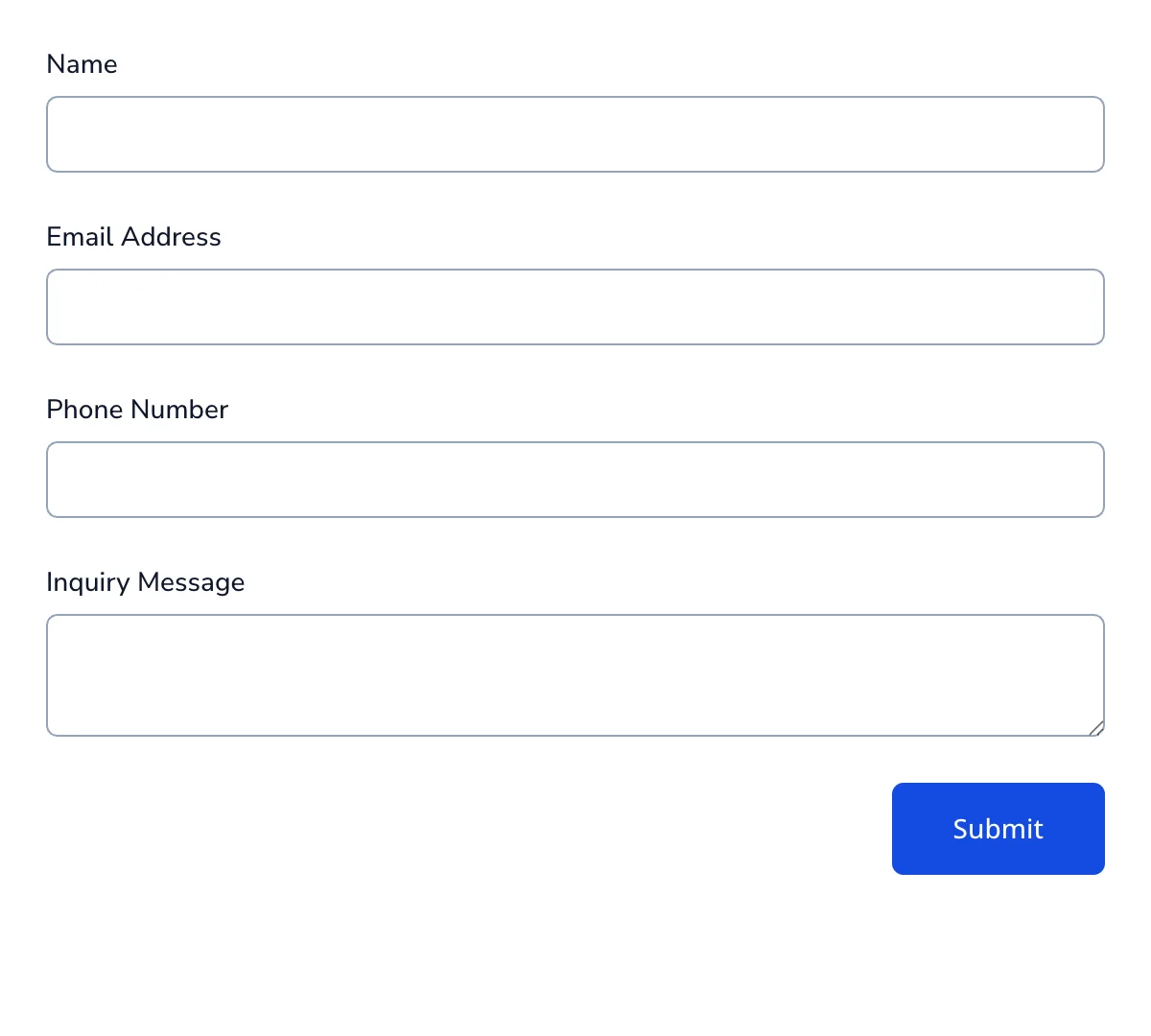
The table below shows a practical balance between gathering enough detail and keeping the form quick to complete.
| Field | Necessary? | Why |
|---|---|---|
| Name | Yes | Basic identification for follow-up |
| Email or phone | Yes | Required to respond |
| Travel dates | Yes | Needed to check availability and pricing |
| Number of travellers | Yes | Affects pricing and package fit |
| Preferred package | Yes | Speeds up the first response |
| Budget range | Optional | Helpful but can feel intrusive if required |
| Detailed message box | Optional | Useful but shouldn't be mandatory |
Keeping the form to five or six fields is usually the sweet spot — long enough to start a real conversation, short enough that visitors actually finish filling it out.
Comparing Website Elements by Impact
Not every improvement delivers the same return. The table below ranks common website fixes by typical impact and effort required.
| Website Element | Effort to Fix | Typical Impact on Enquiries |
|---|---|---|
| Visible contact details | Low | High |
| Clear call-to-action buttons | Low | High |
| Separate package pages | Medium | High |
| Transparent pricing | Low | High |
| Genuine reviews displayed | Low | Medium – High |
| Mobile optimization | Medium | High |
| Simplified enquiry form | Low | Medium |
Most of the highest-impact fixes also happen to be the lowest effort, which makes this one of the few areas where small changes can produce a noticeably outsized improvement.
Common Mistakes That Quietly Kill Enquiries
- Burying contact information — forcing visitors to hunt for a phone number or email often means losing them before they ever reach out.
- Hiding pricing completely — many travellers assume the worst and leave rather than ask, especially when comparing multiple sites.
- Overloading enquiry forms — asking for too much detail upfront discourages visitors from finishing the form at all.
- Ignoring mobile experience — a broken mobile layout quietly costs far more enquiries than most site owners realize.
- No reviews or social proof — without visible trust signals, hesitant first-time visitors are more likely to browse elsewhere.
Keep in Mind
Getting more enquiries from a website mainly comes down to making things easy for the visitor. Clear contact information, visible calls-to-action, transparent pricing, genuine reviews, and a simple mobile-friendly enquiry process can make a significant difference in how many browsers actually turn into leads.
The goal throughout should be guiding visitors naturally from looking at a package to taking that next step — contacting the business — without unnecessary friction along the way.